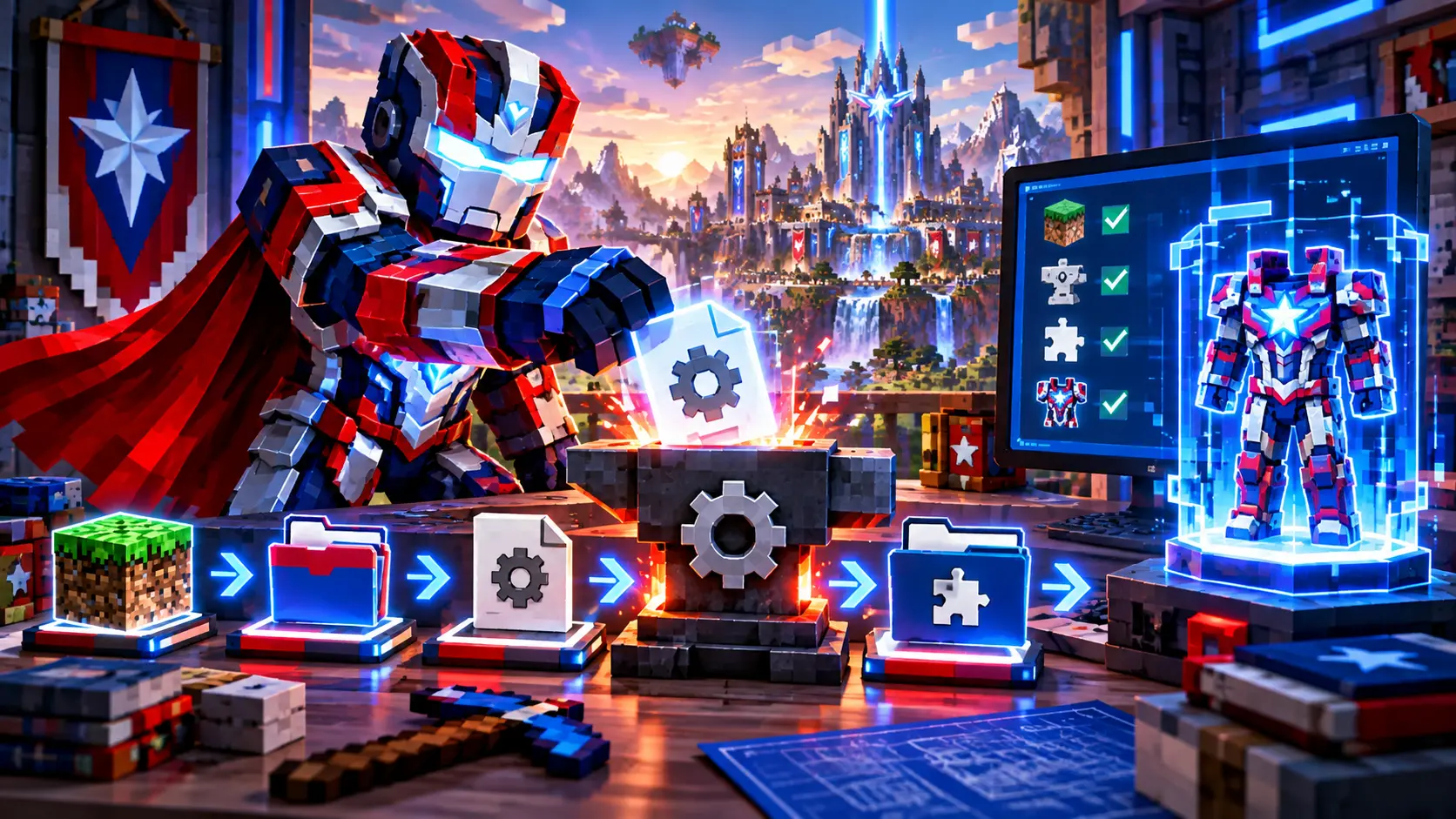
How to Install Fisk Superhero Mod 1.7.10 Safely
A clean installation is the easiest way to avoid startup errors. The official modern listing for Fisk’s Superheroes is associated with Minecraft 1.7.10 and Forge, so version matching should be the first check before you move any files.
Prepare a separate Minecraft profile
Use a dedicated Minecraft 1.7.10 profile instead of mixing the mod with a newer installation. Separate profiles reduce conflicts and make it easier to back up worlds. Launch the matching vanilla game once so its folders and version files exist before installing Forge.
Install the matching Forge build
Install a Forge build intended for Minecraft 1.7.10 and launch the Forge profile once. After it starts successfully, close the game. The important check is that the title screen reports the expected Minecraft and Forge environment before the mod file is added.
Place the mod in the mods folder
Move the compatible mod JAR into the profile’s mods folder. Avoid unpacking the JAR unless the author specifically instructs you to do so. Do not mix different mod releases in the same folder, and remove old duplicates before testing a newer file.
Verify the first launch
Start the game and check the loaded-mod list. If the game fails before reaching the menu, read the latest log and crash report for a version mismatch, missing dependency or Java issue. Add extra addons only after the base installation launches correctly.
Practical checklist
- Back up important worlds before changing a modded profile.
- Match Minecraft, Forge, base mod and addon versions.
- Test the base mod before adding optional content.
- Keep only one intended version of each mod in the active folder.
Related guides
This website is an independent informational resource. It is not the official developer website and does not claim affiliation with the mod author or other third-party platforms.